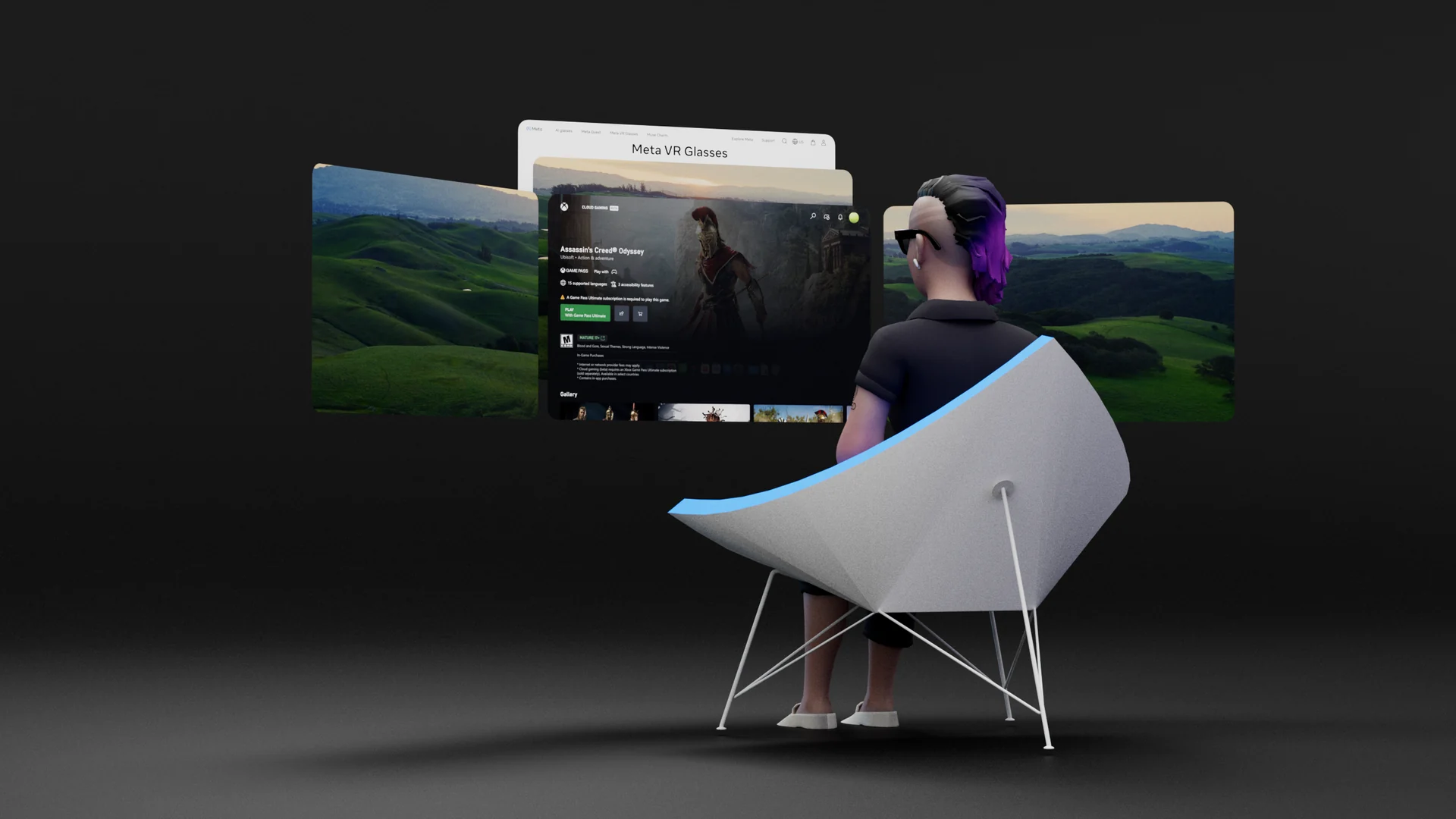
Meta Reality Labs · 2025–2026
I led the design of Display Evo, shaping how people interact with the system, organize their space, and move between tasks.
My work connected system architecture, interfaces, spatial layout, task management, and the system’s response to physical movement into a cohesive experience.
- Role
- Design lead
- Team
- System shell design
- Design partner
- Matthew Luther
- Stage
- Shipped
Where we started
A new app shouldn’t rearrange your work.
Beyond the three-monitor dock
The dock put each new app in the middle and moved existing windows to the sides. A fourth launch could minimize an existing window. People had to find their work again and repair the layout.
Rearranging windows in space also takes physical movement and reach, so switching and resuming work mattered as much as visible space.
We reframed placement, launching, depth, and recovery as one system.
01
A new device changed the brief.
Meta VR glasses
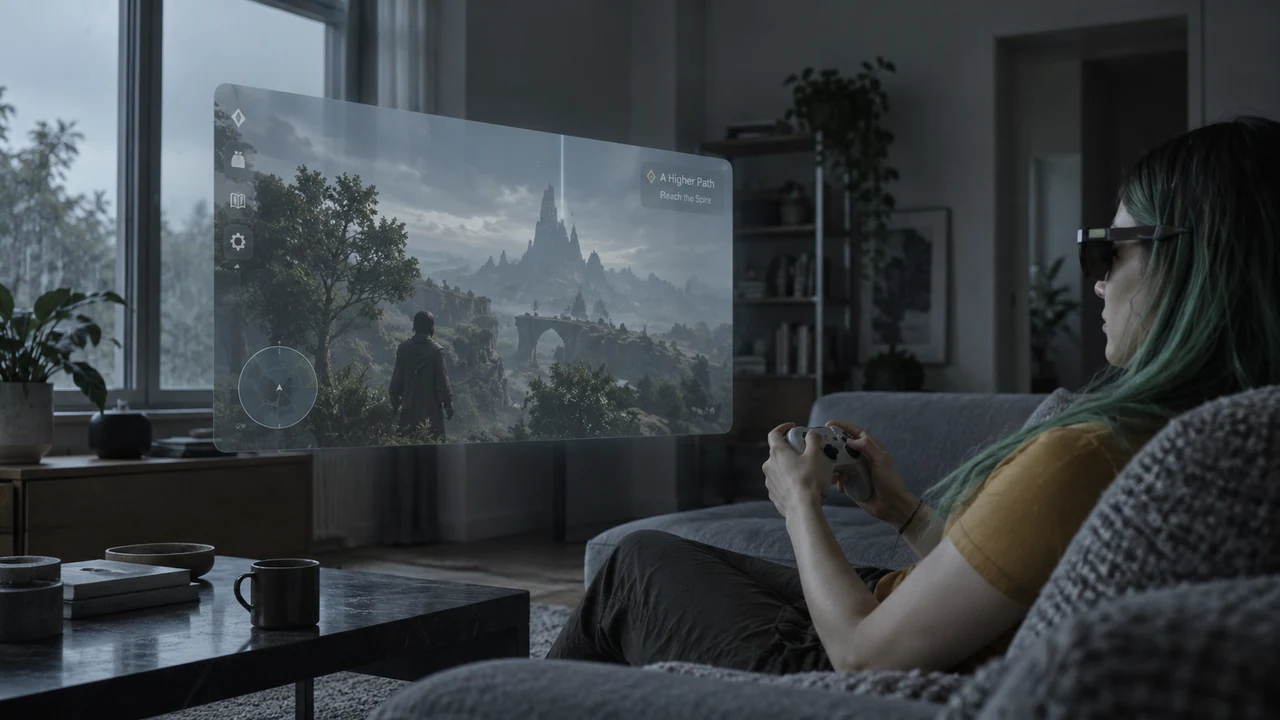
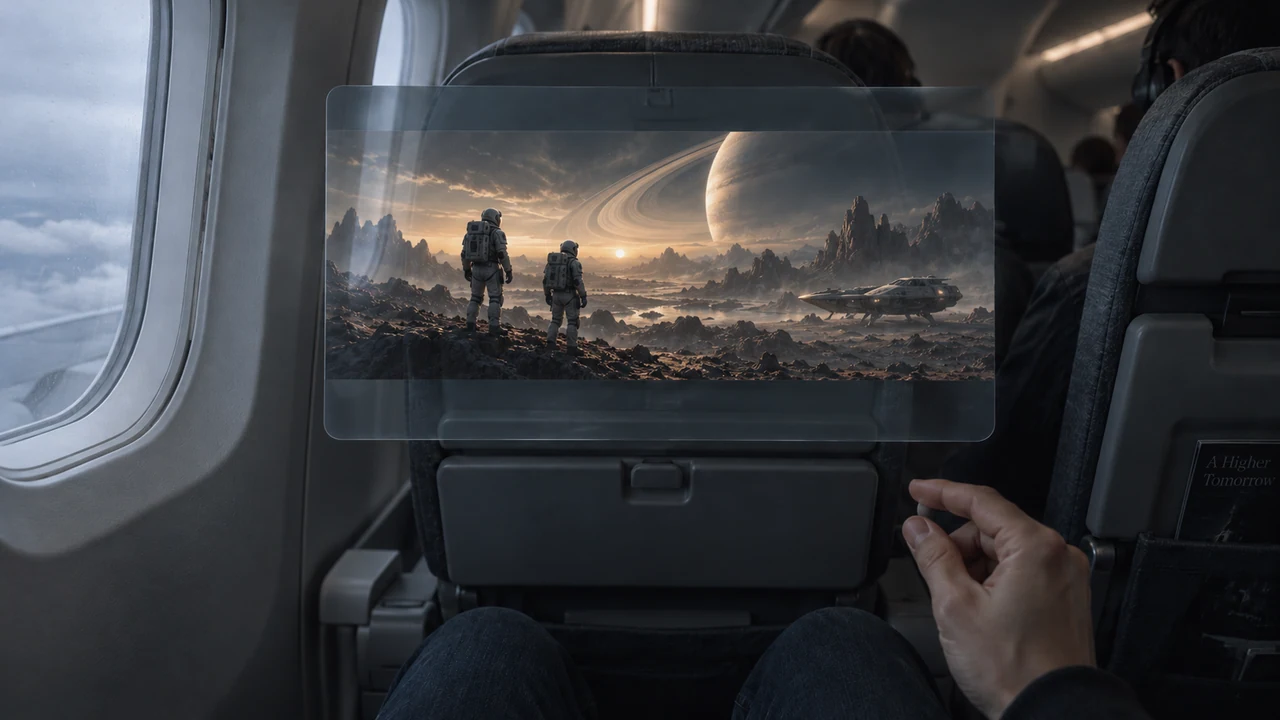
Meta VR glasses broadened the brief early on. A lighter, more familiar form factor meant everyday use, not just sessions at home, with entertainment leading on “big screens anywhere.”
Beyond VR Home
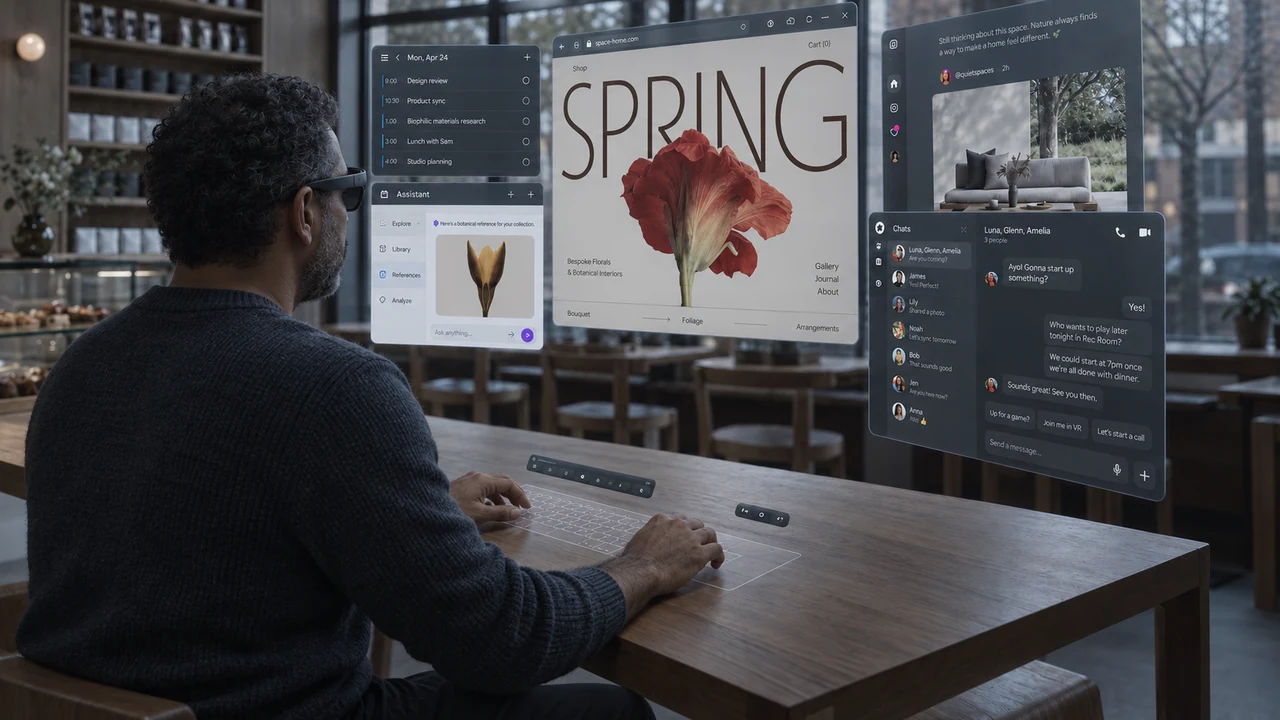
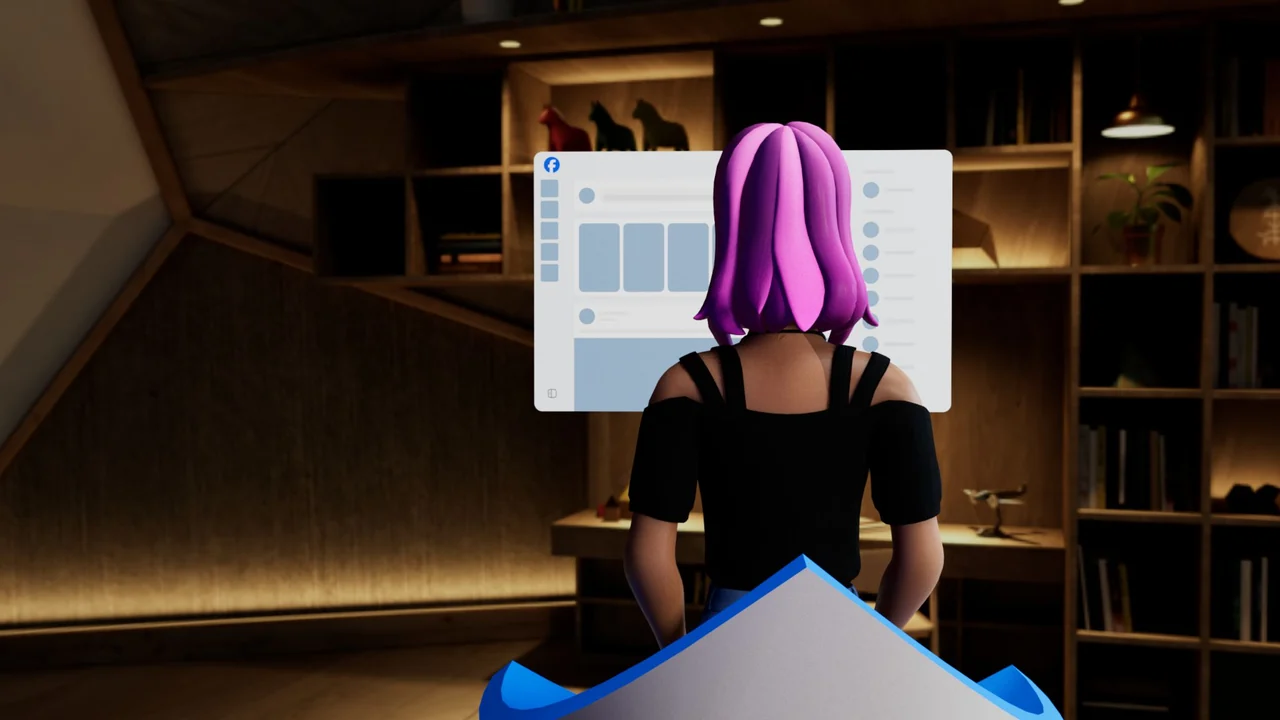
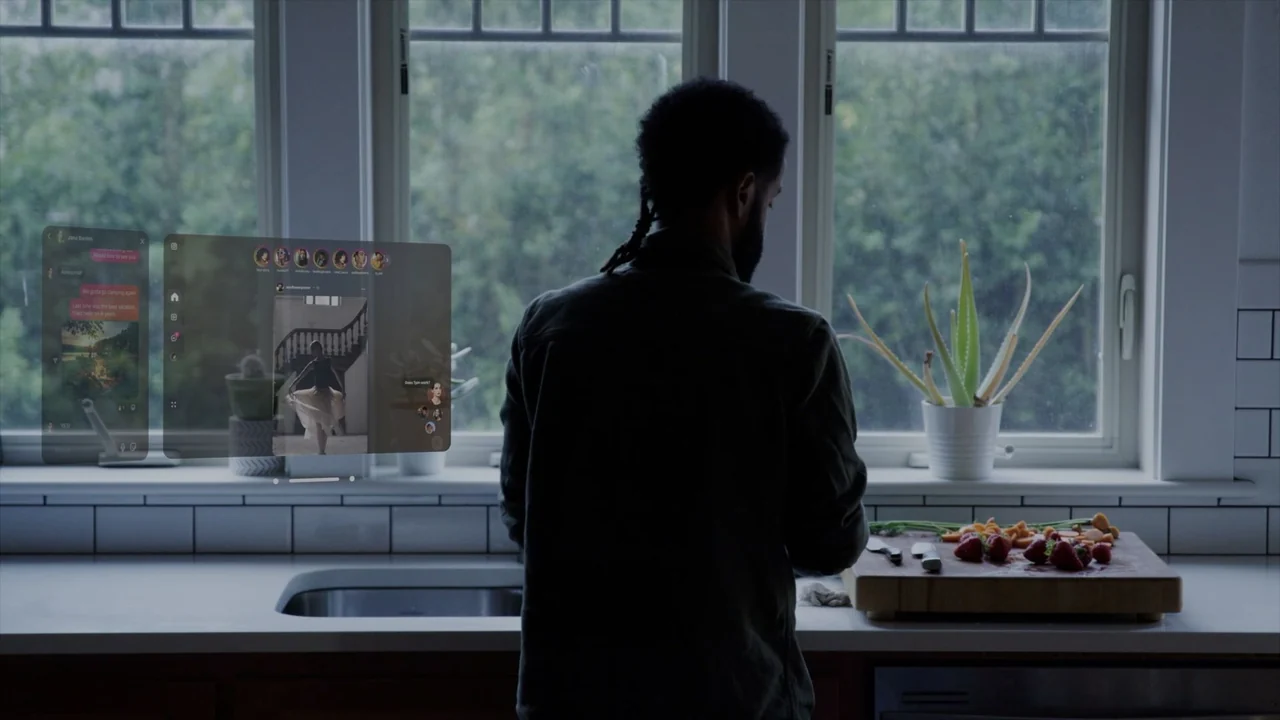
In a virtual home, the OS defined the space. In everyday settings, spaces varied, activities changed, and other people shared the environment. We designed for switching tasks, keeping reference material visible, and letting background activities continue around what people were doing.
The open periphery and constrained field of view meant the workspace had to fit around the person’s surroundings. We gave the system responsibility for a usable starting layout, then let people control the arrangement.
02
Start with how it should feel.
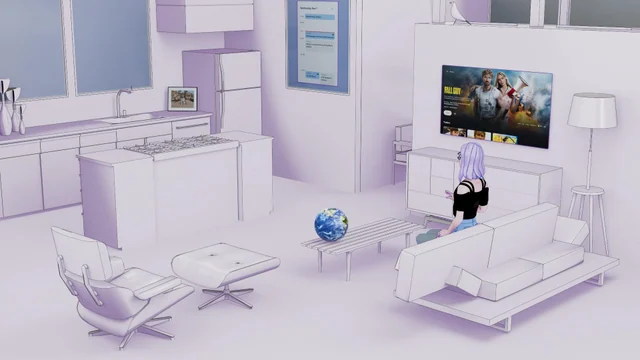
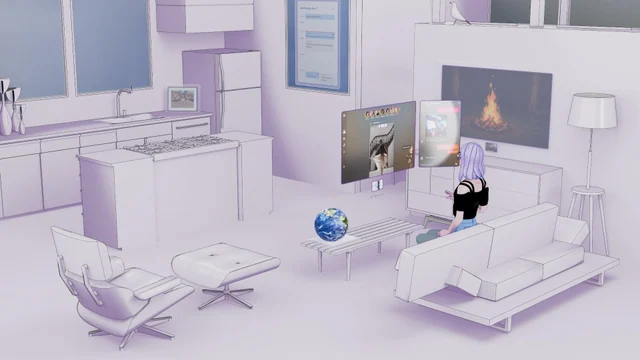
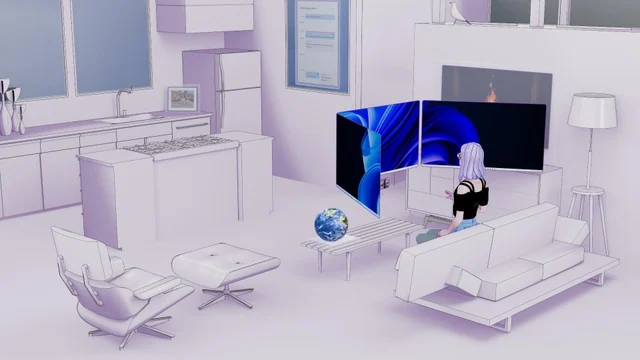
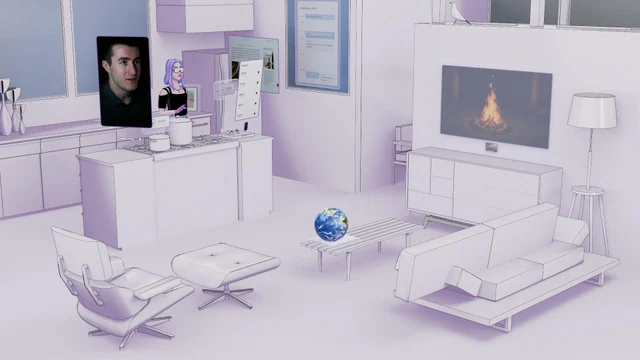
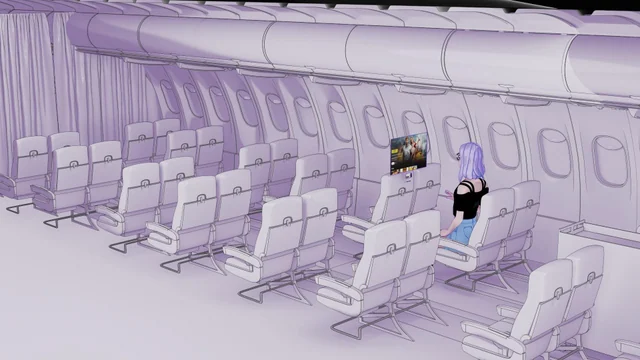
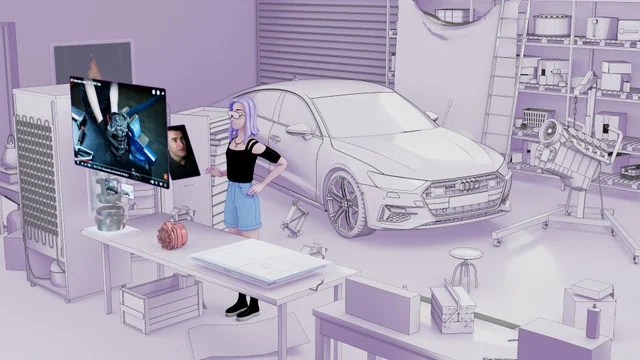
We started with how people should feel: focused, comfortable, and in control. The purple explorations pictured everyday activities like watching, switching tasks, and moving between spaces before we worked through specific features and implementations.
We wanted a system that was adaptive, seamless, resilient, and empowering, designed at human scale and guided by user intent.
03
Explore how it should work.
We explored how much the system should organize and how much people should control: freeform windows or managed layouts, a single focused task or multiple windows, and content that follows the person or stays in the room.
04
Define the spatial model.
Portable desktop. Room anchors.
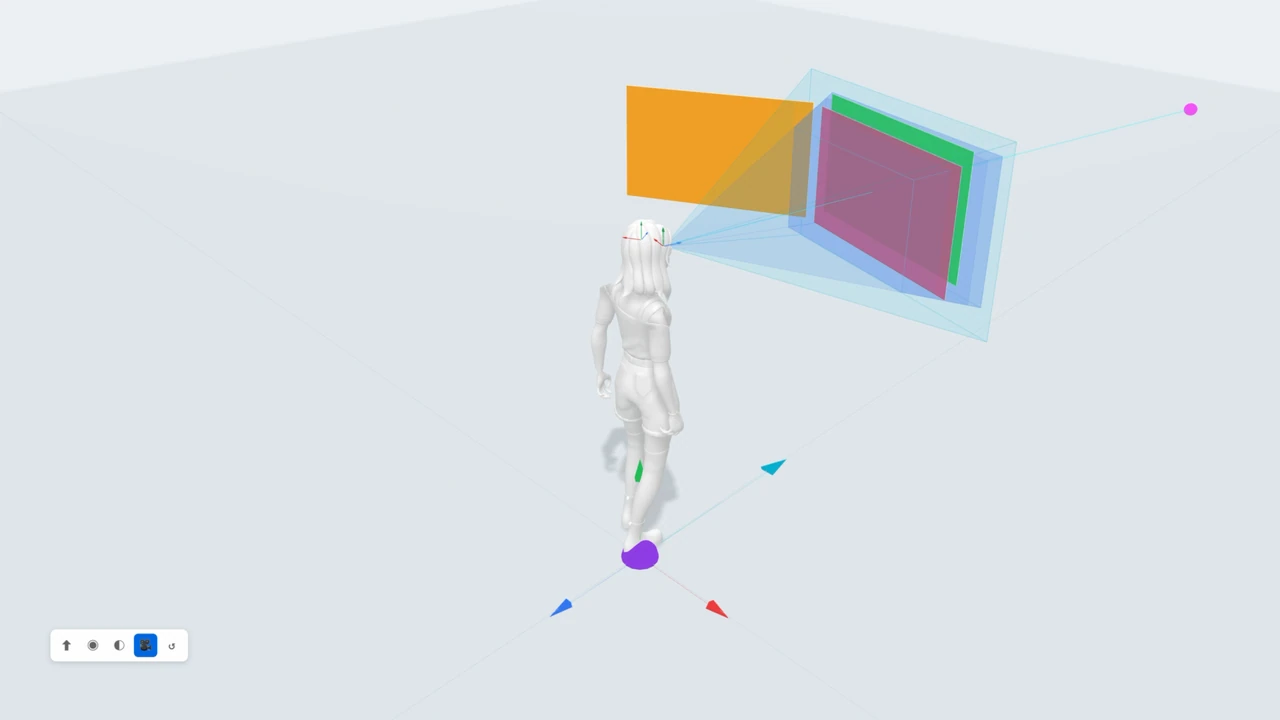
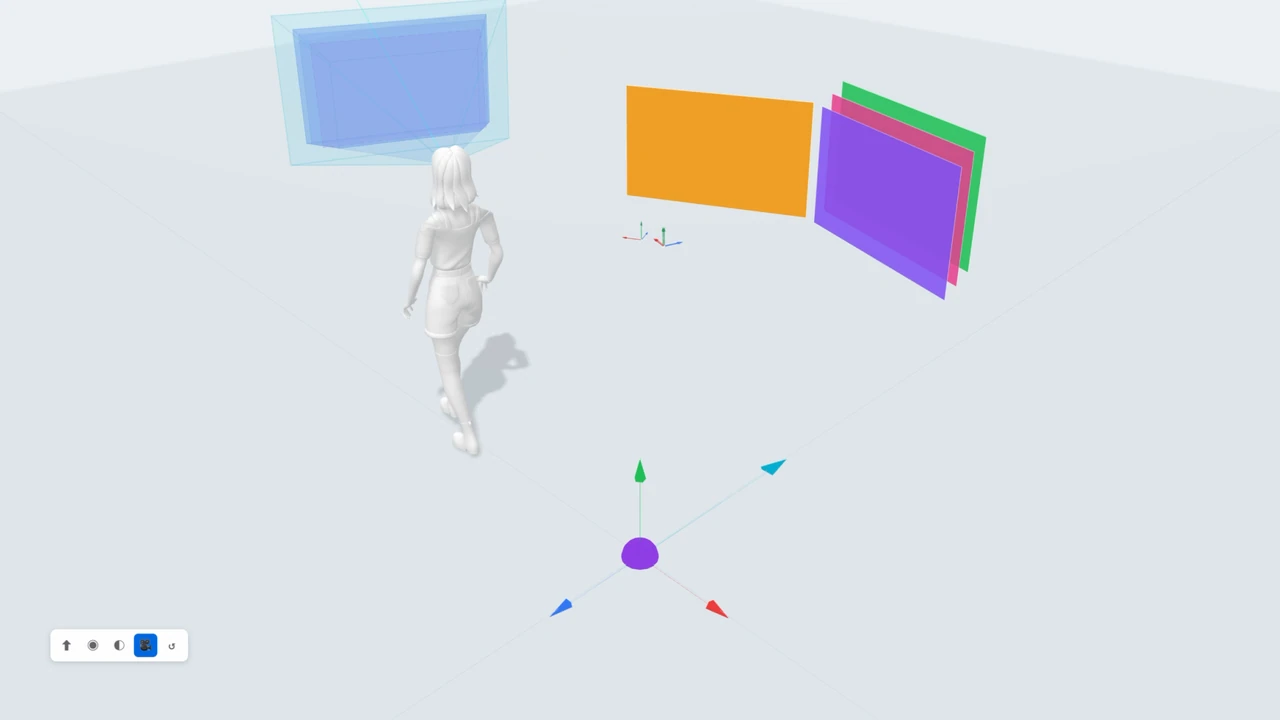
We defined a desktop that travels with the person and windows anchored to the room. New apps launch in front of the person without reflowing the rest of the workspace; room anchors keep their scale and placement.
Hide the desktop. Return to the experience.
We added the ability to hide and show the egocentric desktop so people could return to their immersive experience, in VR or MR, then bring the workspace back when they needed it.
05
Focus on task switching ease and comfort.
Z-Stacks and task switching
Launching while looking at an existing window creates a Z-Stack. The new window inherits the position and depth of the window you are looking at, including one you deliberately repositioned.
Selecting a visible window’s chrome brings it forward while the rest of the stack keeps its relative order. This gives people a direct way to switch between applications within a limited field of view.
People could choose their working depth. Keeping the active window at a consistent depth aimed to reduce vergence changes as they switched between windows.
06
Make room, then restore the layout.
Launch Assist
Launch Assist combines Z-Stacks, adjacent snapping, and a temporary push in depth to resolve overlapping windows.
When a new window would intersect multiple existing windows, the system pushes them farther back. Moving or closing the new window lets the displaced windows return to their original positions.
A deliberate move changes that behavior: moving one of the pushed windows commits the new arrangement. If another launch triggers a second push, the first arrangement is no longer restored.
07
Align windows. Leave room to adjust.
Snapping
A window launching beside an existing one snaps into alignment with it, giving the workspace a clear starting arrangement.
People can drag and release windows into a snapped position, including above or below another window, then pull them free for smaller adjustments.
08
Find, restore, and organize windows.
Window management
I designed and built the Window Manager web prototype to find, restore, and organize windows. I partnered with engineering on its VR Shell implementation.
09
Larger targets within the same panel.
System scale
Gaze targets needed to grow, but a larger panel would take up more of a constrained field of view. I worked with the input and interaction team on window ergonomics to resolve the tension.
We coordinated content scale and logical container size so targets could grow while the panel’s physical size stayed constant.
10
Build the tools, then the spec.
Prototypes and tooling
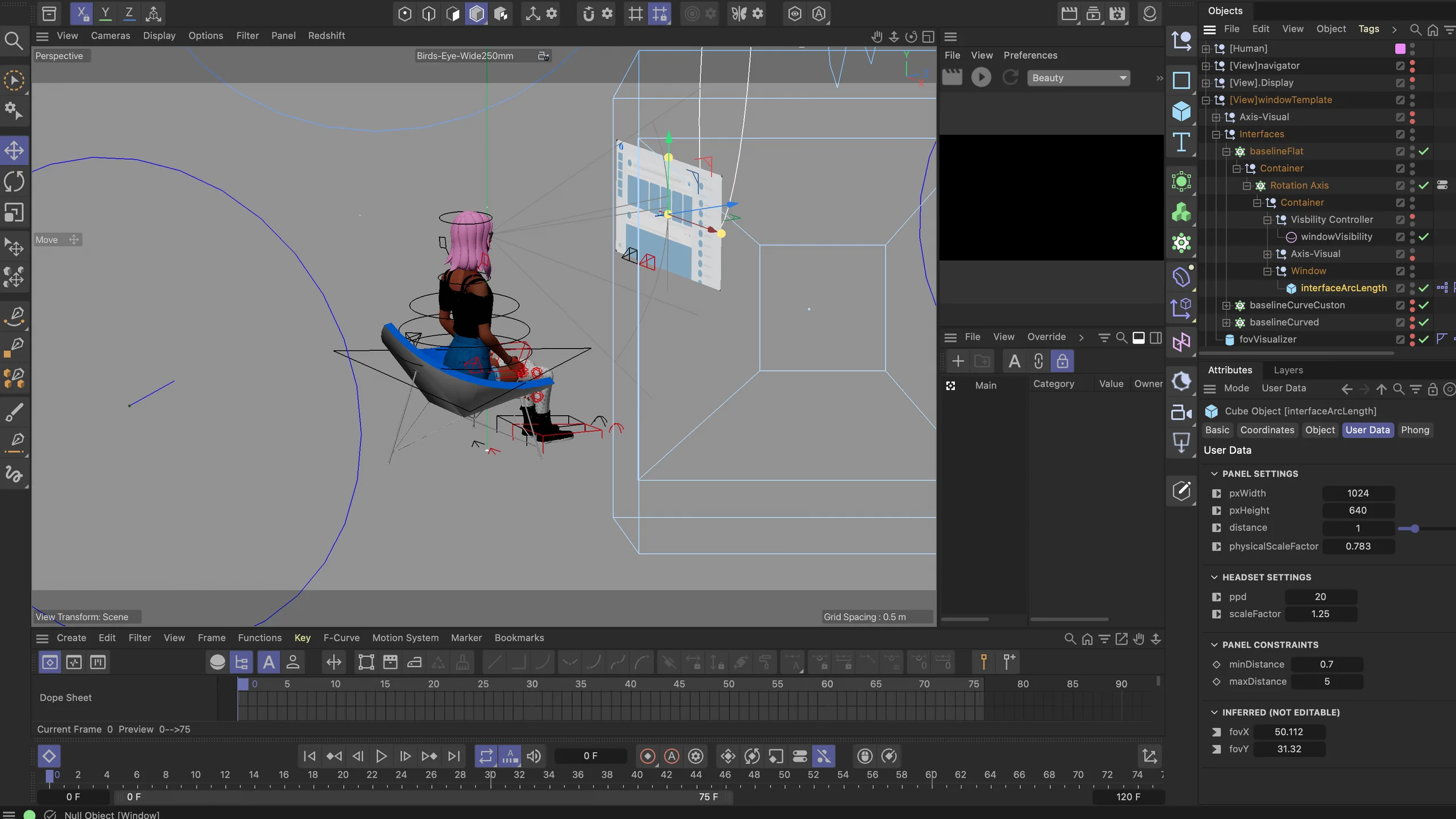
Matthew and I built the tools we used to make spatial decisions: a parametric Cinema 4D rig where panel size, distance, pixels per degree, and scale drive the resulting field of view, and interactive prototypes that place real app panels in a rendered room.
These became interactive specifications for components, spatial layout, and task management that design, input, and engineering reviewed together. I also worked with performance and engineering on dynamic resource allocation so people could run more than three apps at once.
Result
A shipped spatial system.
Display Evo shipped in Horizon OS V209, ahead of the Meta VR Glasses hardware launch.
I led Display Evo’s design from the spatial model through delivery, in partnership with Matthew Luther. With our engineering and input partners, we brought placement, launching, task switching, and recovery into the shipped system shell.
Design lead · Cody Poultney.
Design partner · Matthew Luther.
Watch on YouTube ↗ · Explore Meta VR Glasses ↗