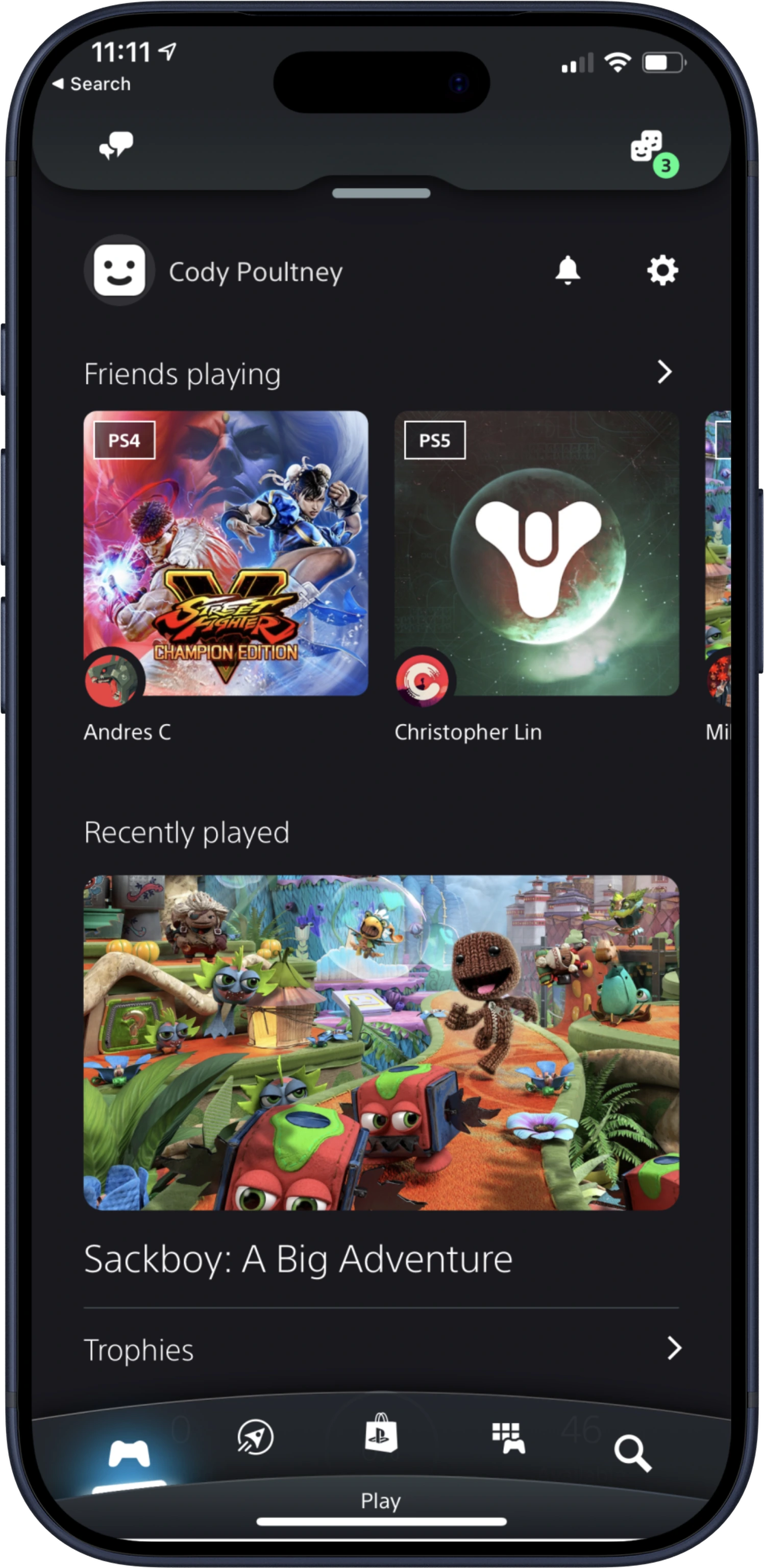
PlayStation · Unified mobile app · 2020 launch
One PlayStation App for the PS5 generation.
- Role
- Lead Product Designer
- Areas
- Play, profile, social, trophies, checkout
- Launch
- October 28, 2020
The app
Two apps became one platform.
A generational leap for mobile
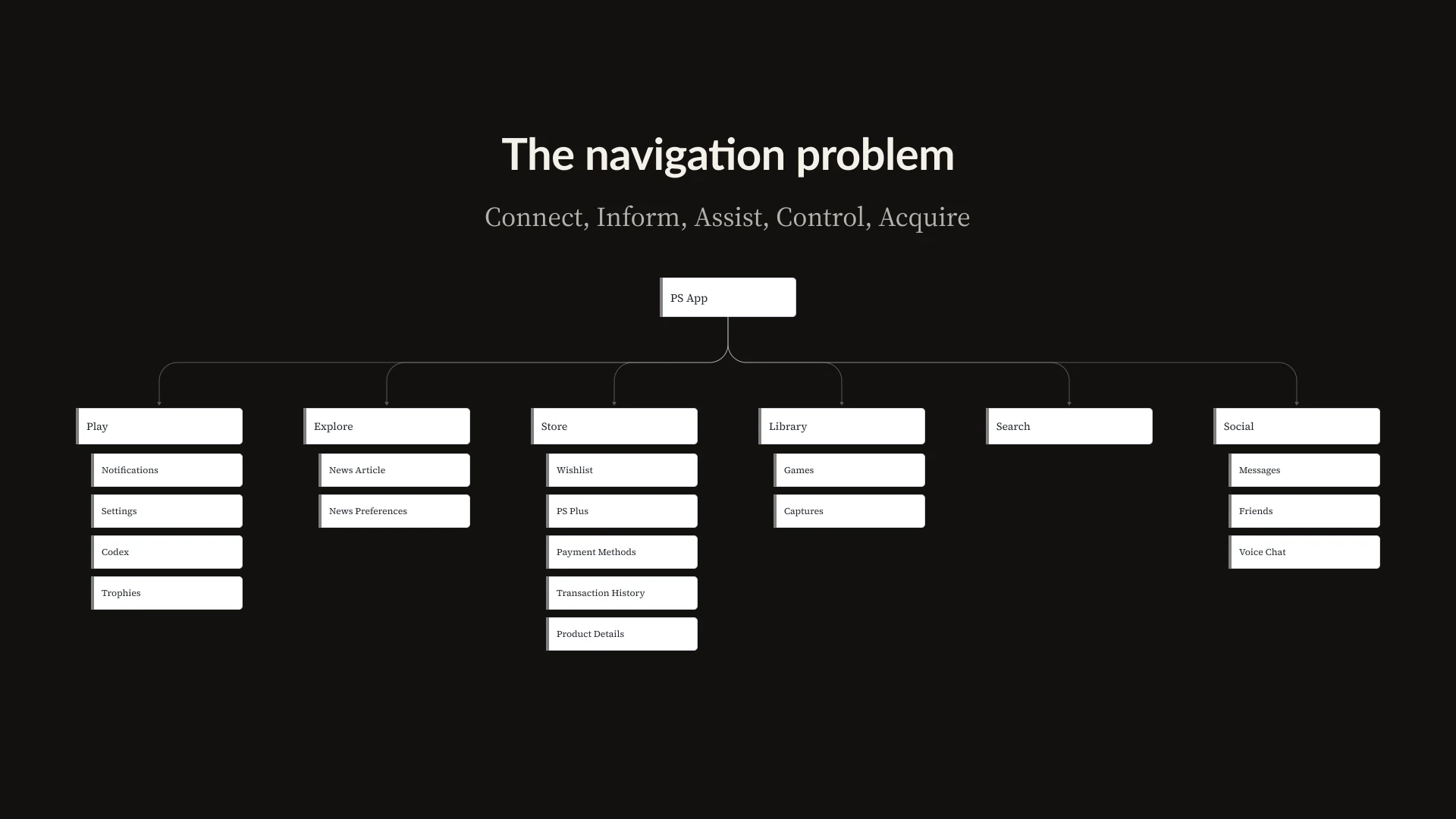
PS5 brought the store, game library, voice, and console control to mobile. We set out to build one app for all of it, guided by five pillars: connect, inform, assist, control, and acquire.
My role
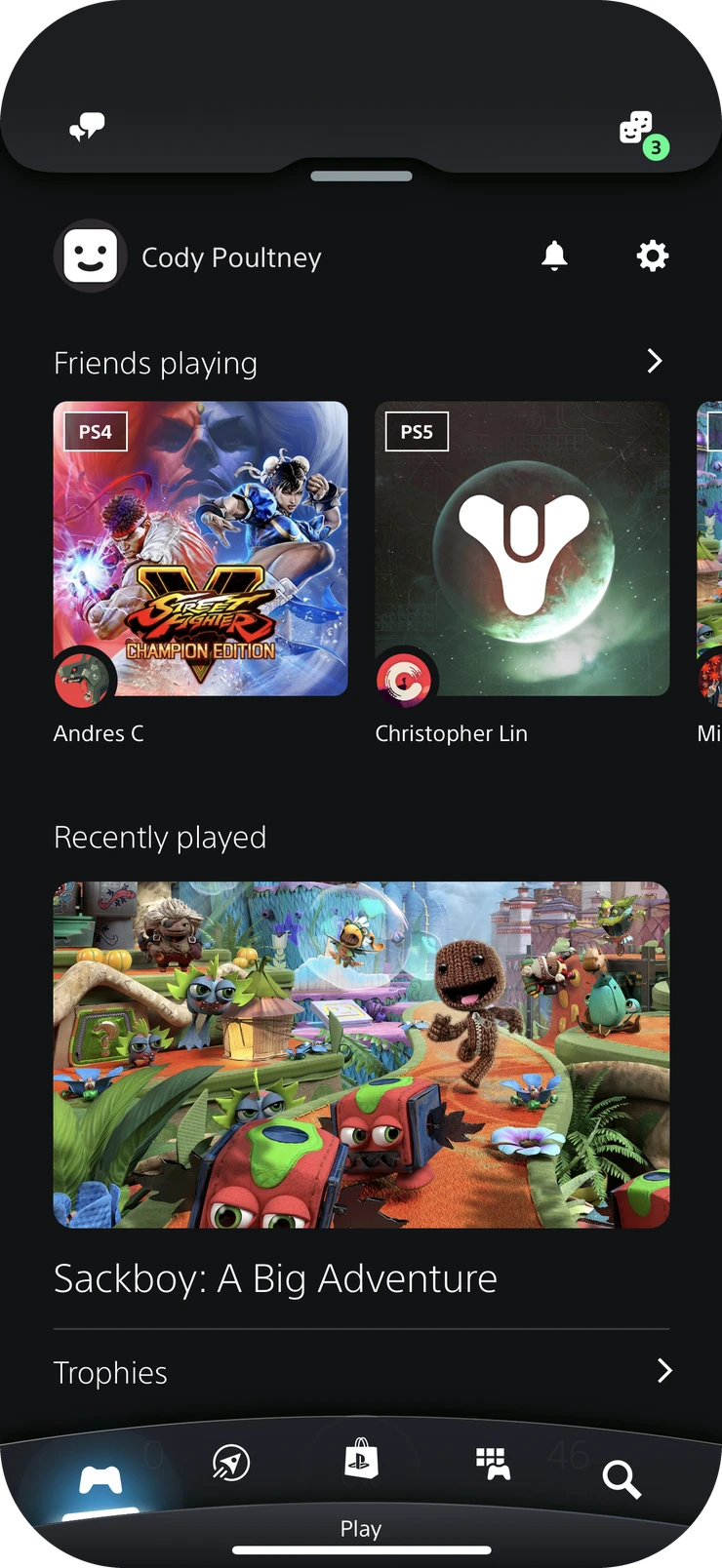
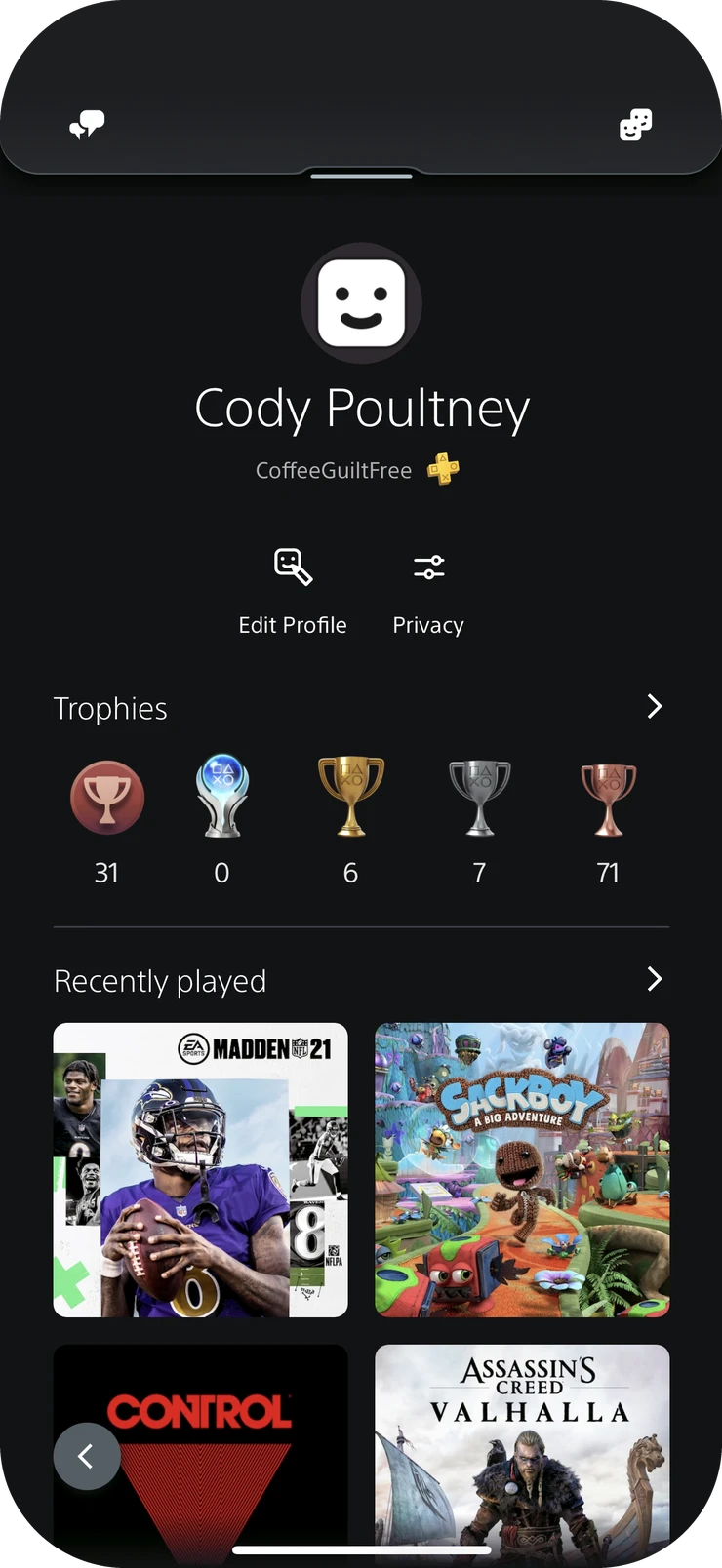
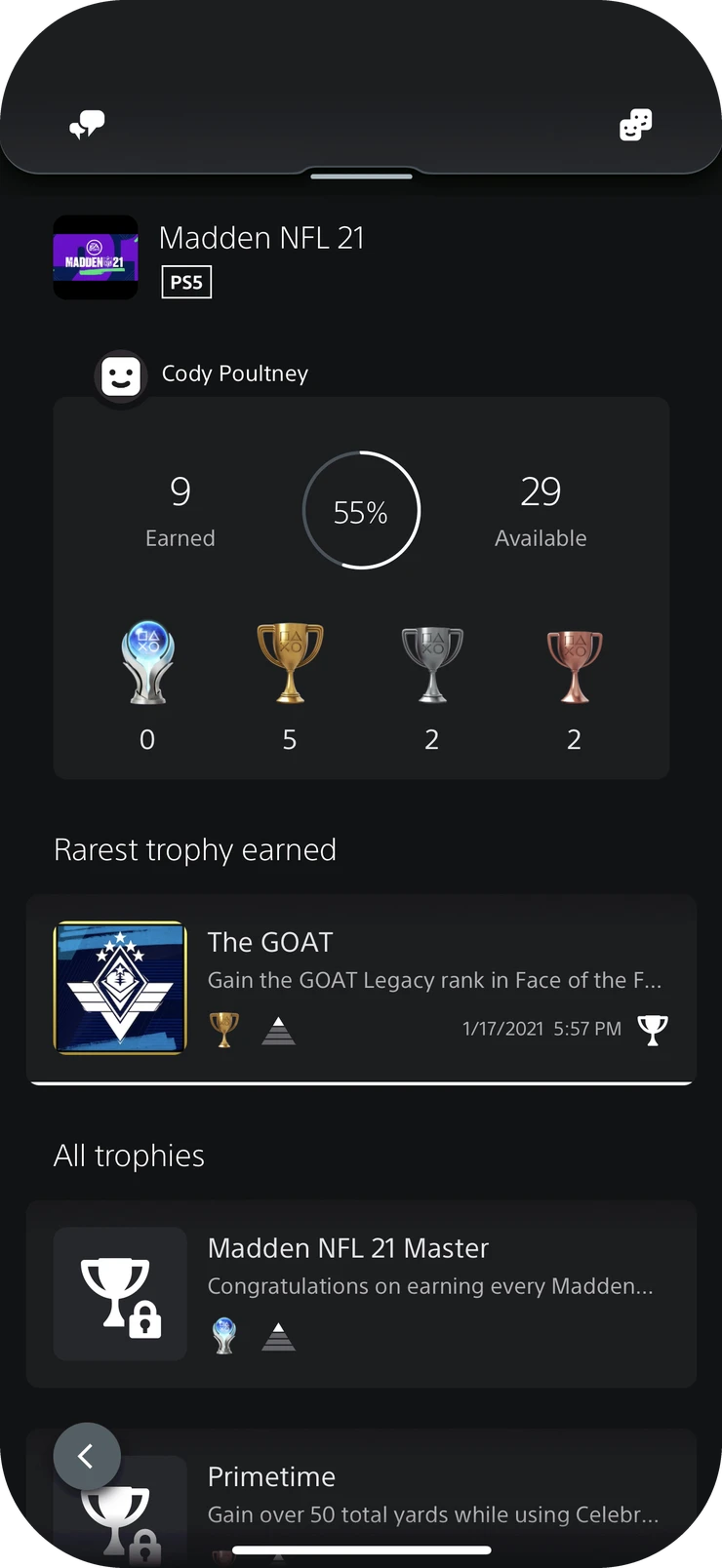
I owned five experiences end to end: Play, profile, trophies, checkout, and social. Each connected to its console counterpart, and social’s interaction model spanned the whole app.
Beyond my own areas, I helped set the roadmap, team assignments, shared component library, and quality bar for what shipped.
Deep dive
Social, from anywhere.
Of the five, social reached furthest: it had to work over every other part of the app. The rest of this case follows how we decided where it lived and how it behaved.
01
Two apps, one fragmented experience.
Awareness without action
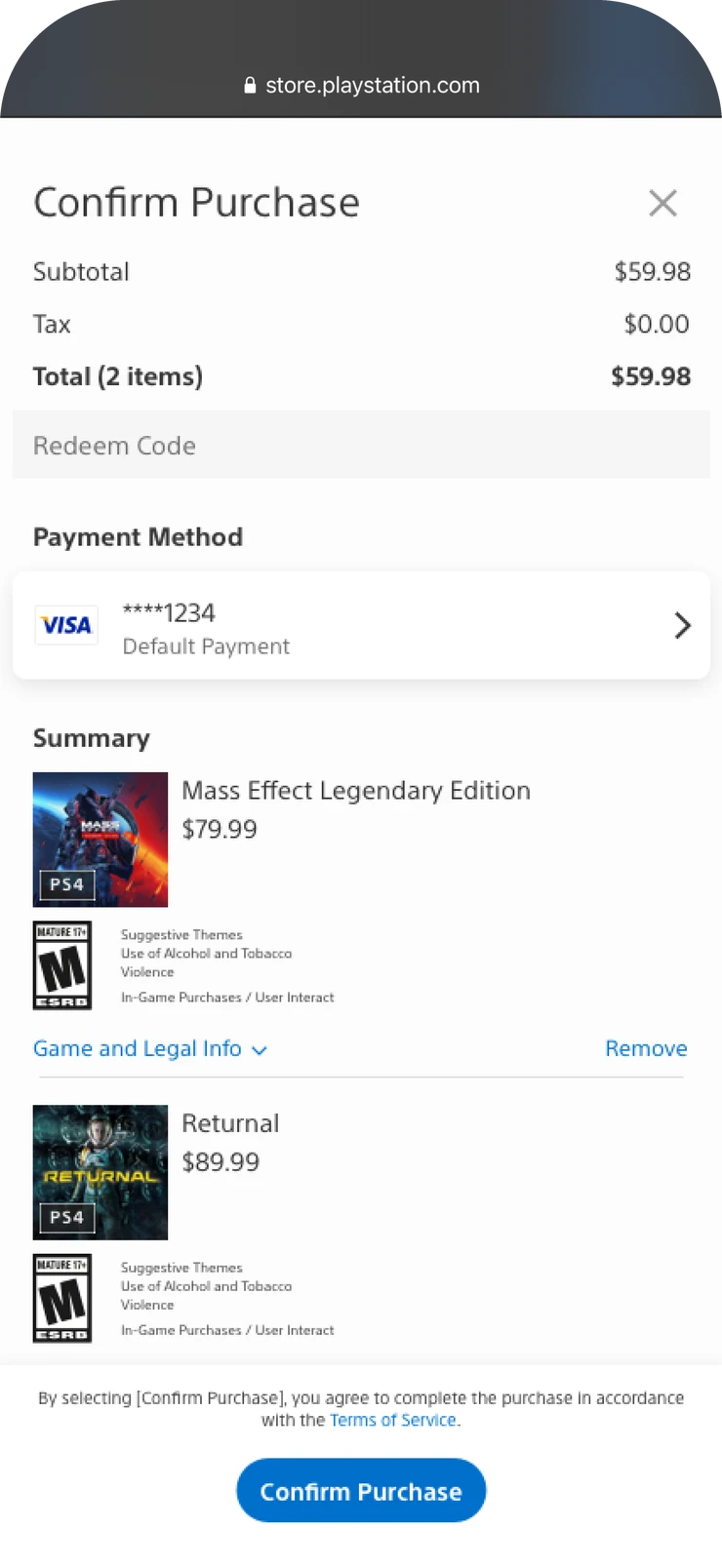
PS App delivered news, PS Messages handled messaging, and both showed which friends were online. Players could see what friends were doing, but acting on it meant switching apps, and research showed the split frustrated them.
With the store, library, voice, and console control arriving, that overlap could not scale. Merging the apps raised the real question: what belonged where?
02
A rule for what goes where.
Research into structure
Card sorting and reverse tree testing showed how players expected features to relate. From that we set one rule for the whole app.
Top-level tab
An independent, recurring job with real depth.
Subpage
A task that depends on a parent context.
Global access
A behavior needed across destinations. Social was the clearest case.
03
Three models, deliberately different.
Testing to learn, not to pick
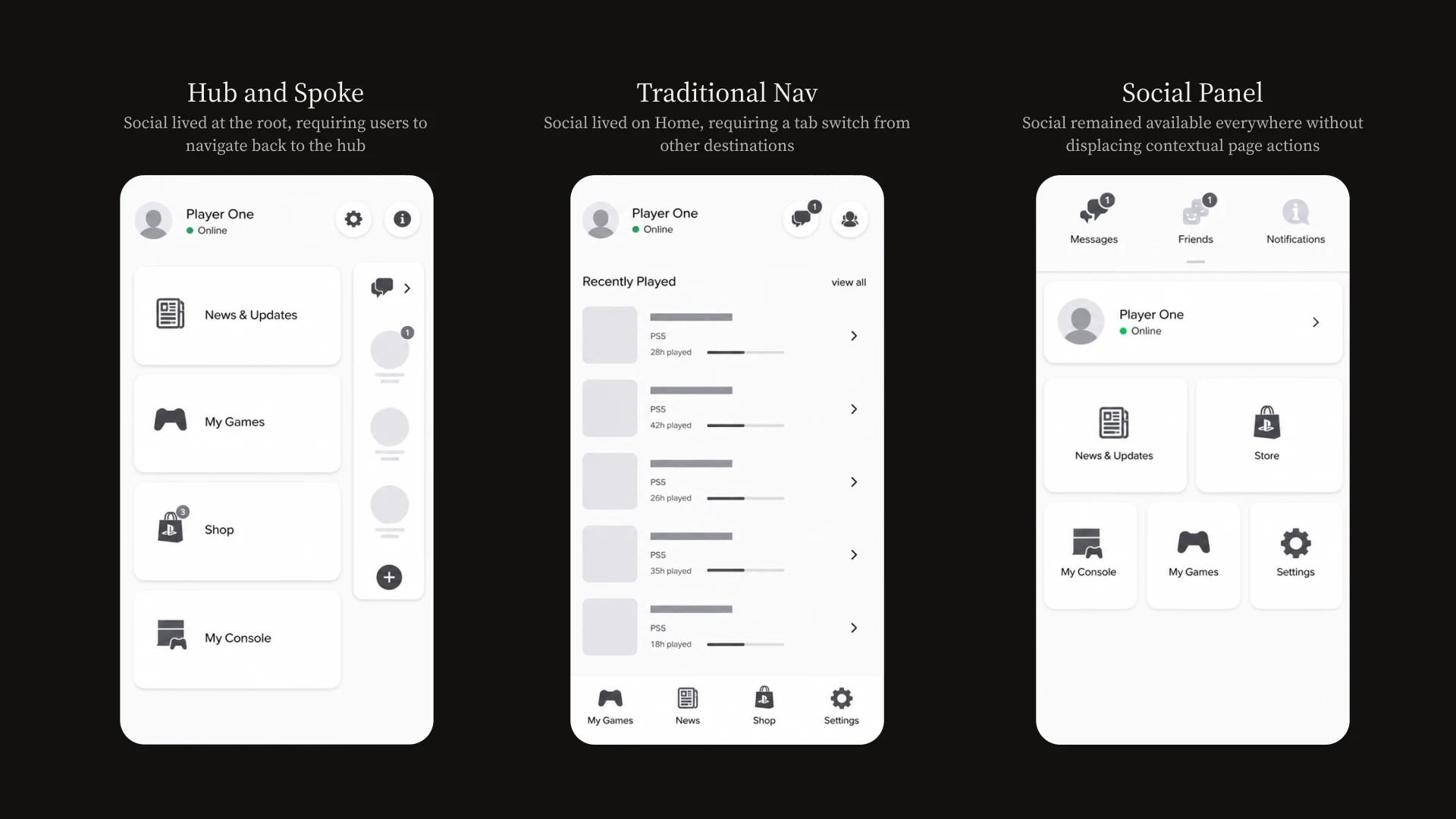
We prototyped three navigation models with as little overlap as possible, so each test isolated one idea, and ran them over three rounds.
Model B confirmed the value of a familiar tab bar for destinations. Model C’s panel tested better on perceived control and on moving into and out of social without losing the original task. No single model did both.
A · Hub and spoke
Social lived at the root, so players had to unwind their navigation to reach it.
B · Traditional tab bar
Familiar for destinations, but social lived only on Home, because other tabs needed the top area for their own actions.
C · Social panel
Social was available everywhere without taking space from each page’s actions.
04
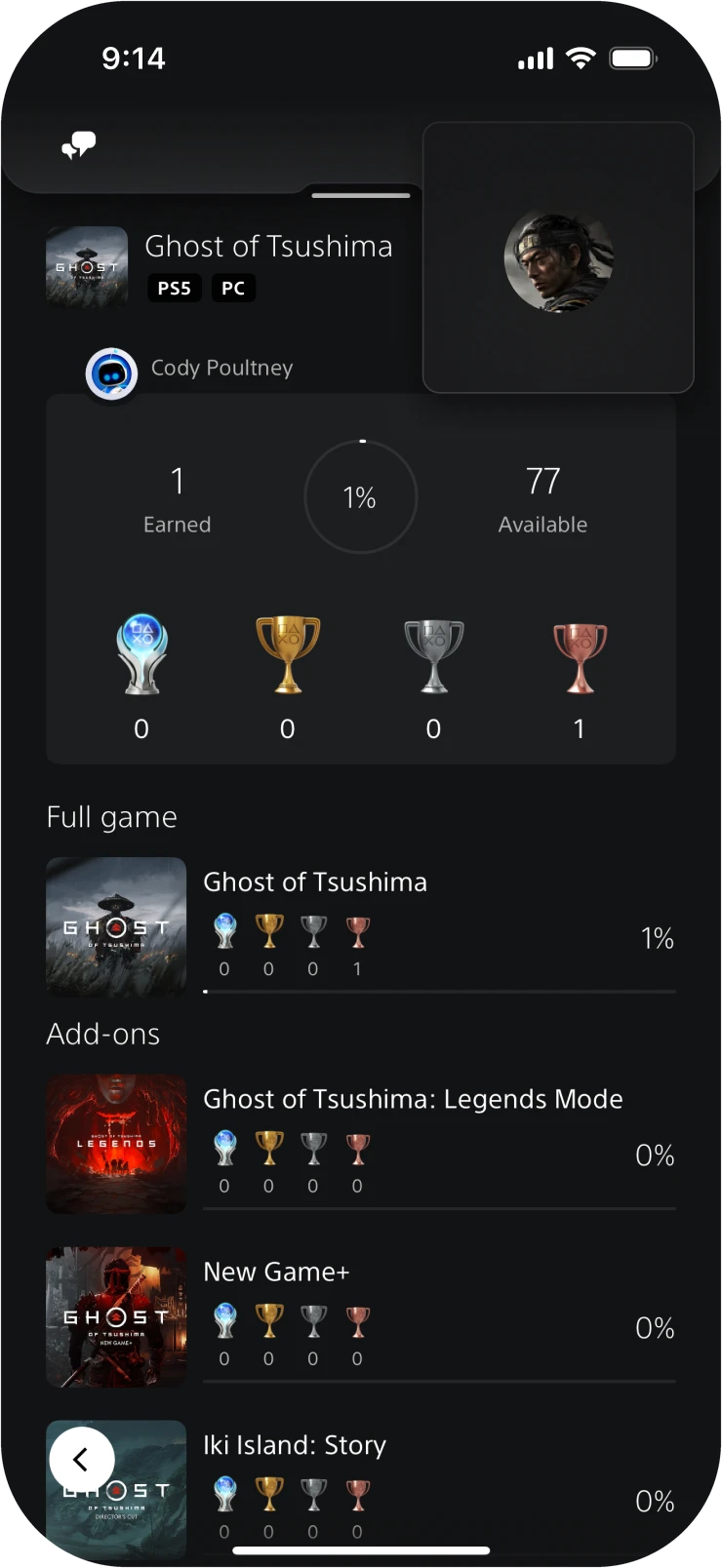
Convention for destinations, a layer for social.
The converged model
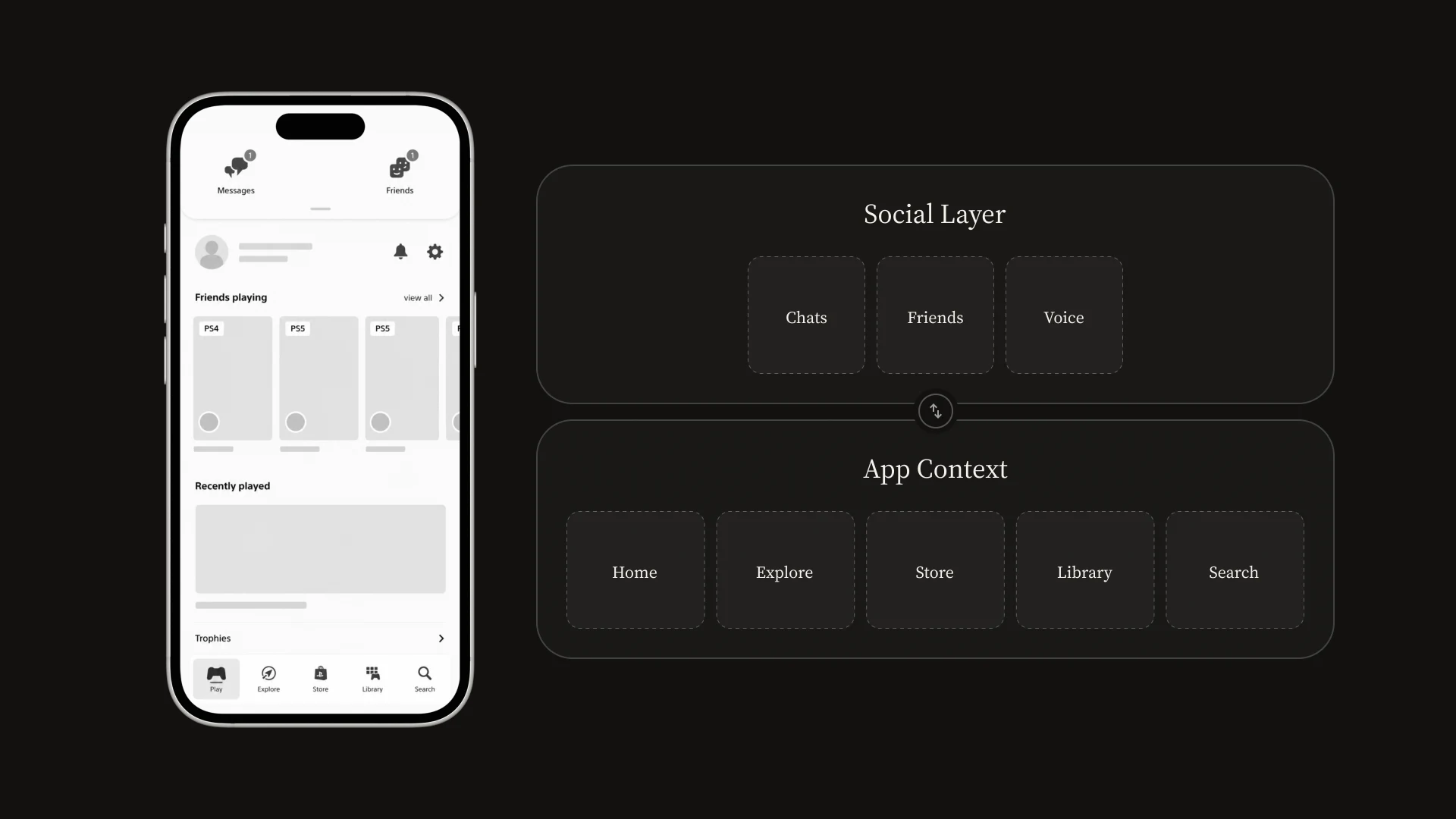
So we combined them: Model B’s tab bar for destinations, Model C’s panel for social. Convention handled where players went; the custom pattern was reserved for the one behavior where testing showed it earned its cost.
Inside social, friends, presence, messages, groups, parties, and voice shared the same people and state, so we designed them as one connected system.
05
Open, act, and return.
Escalate without losing your place
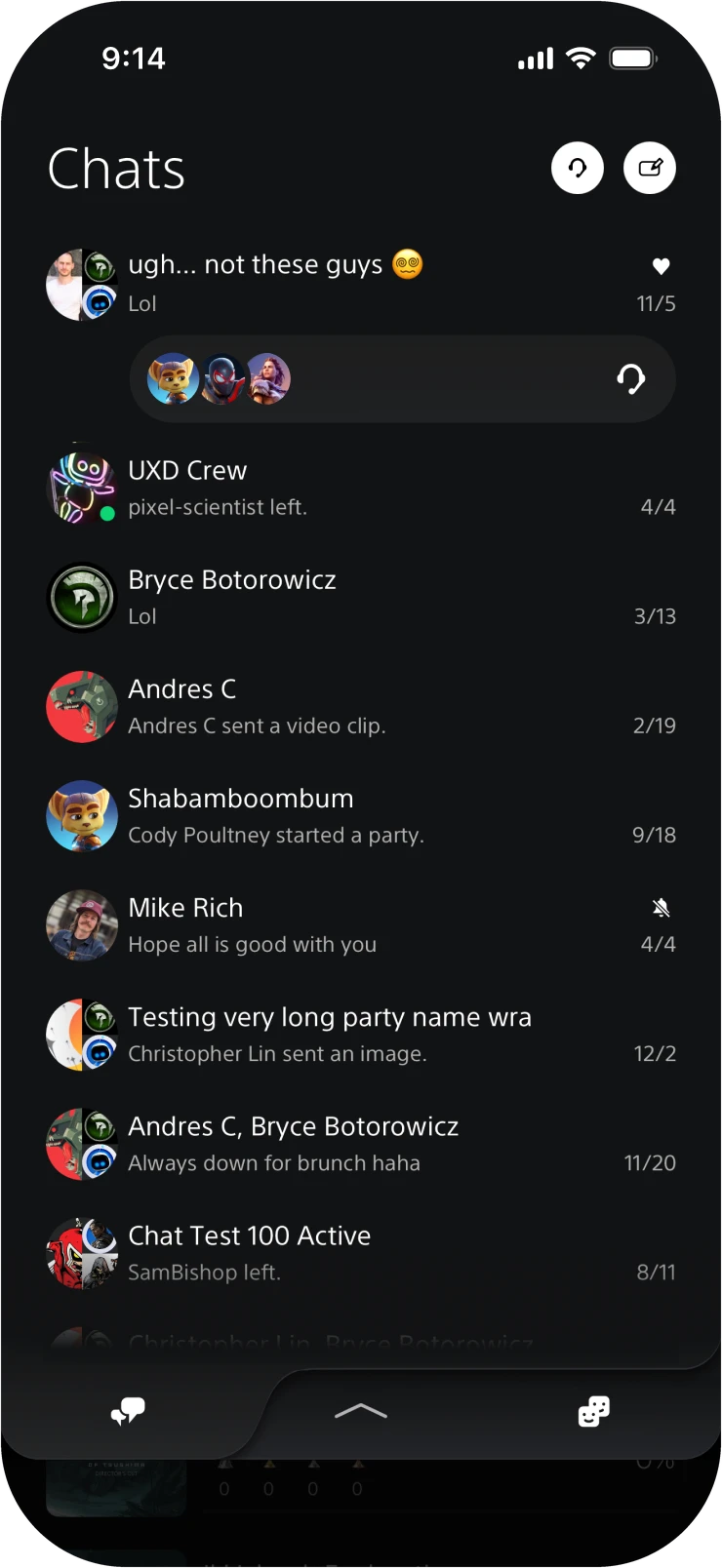
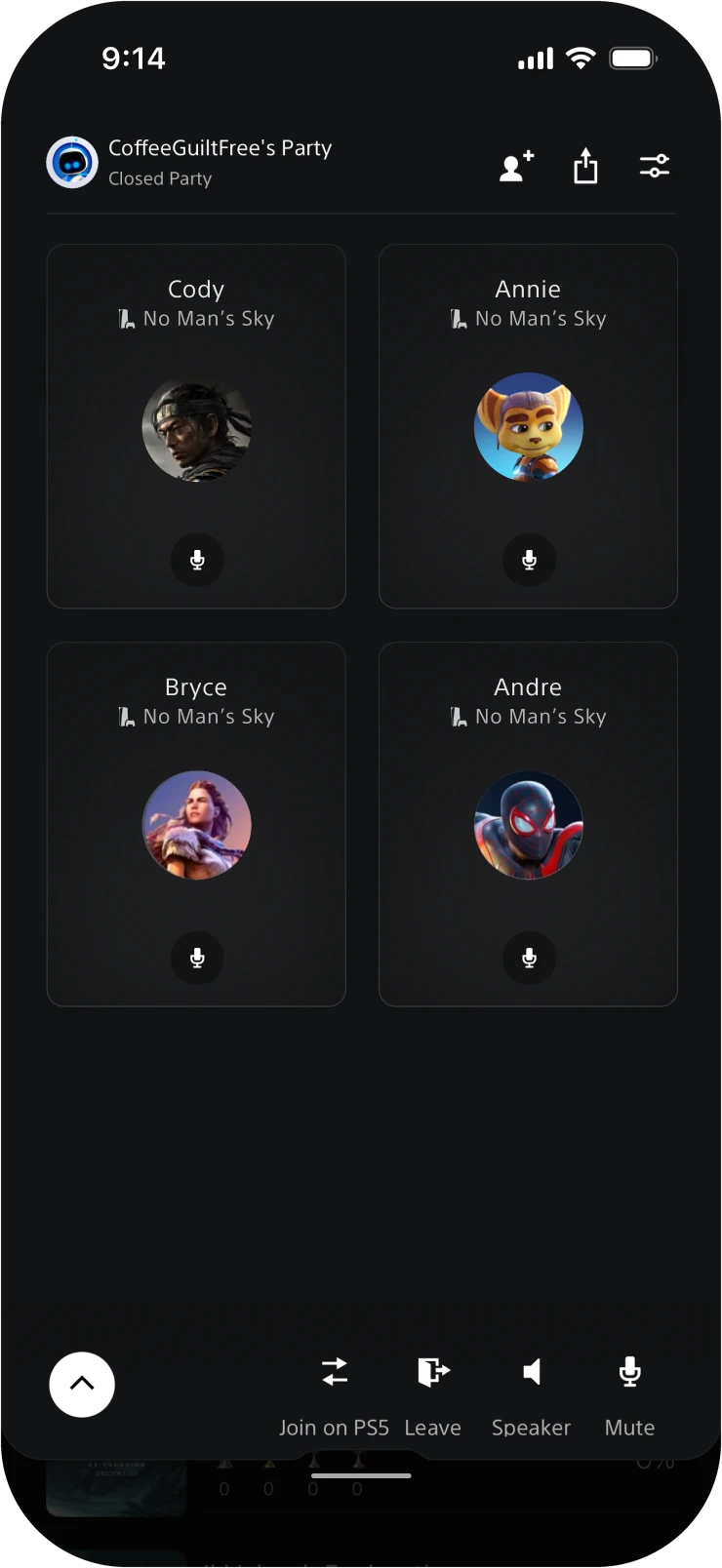
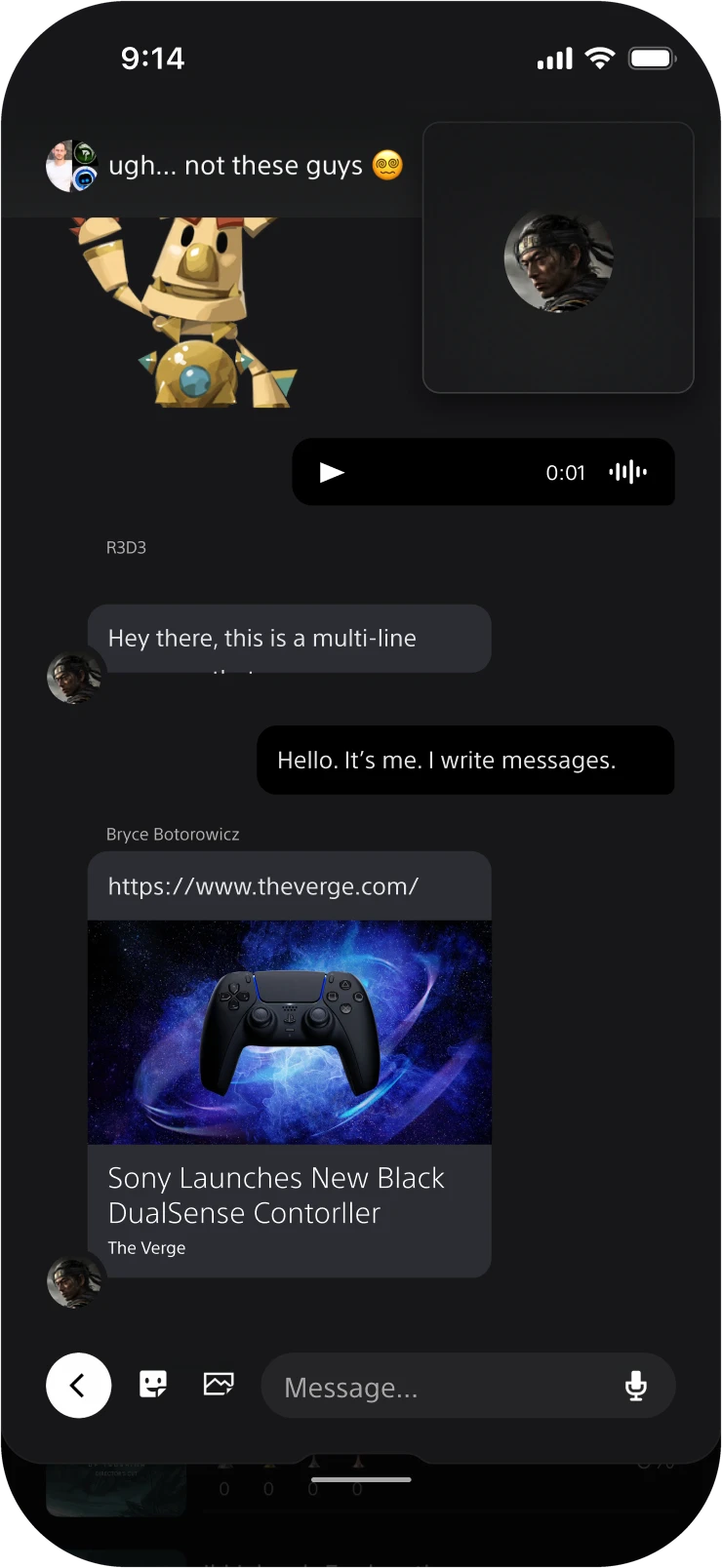
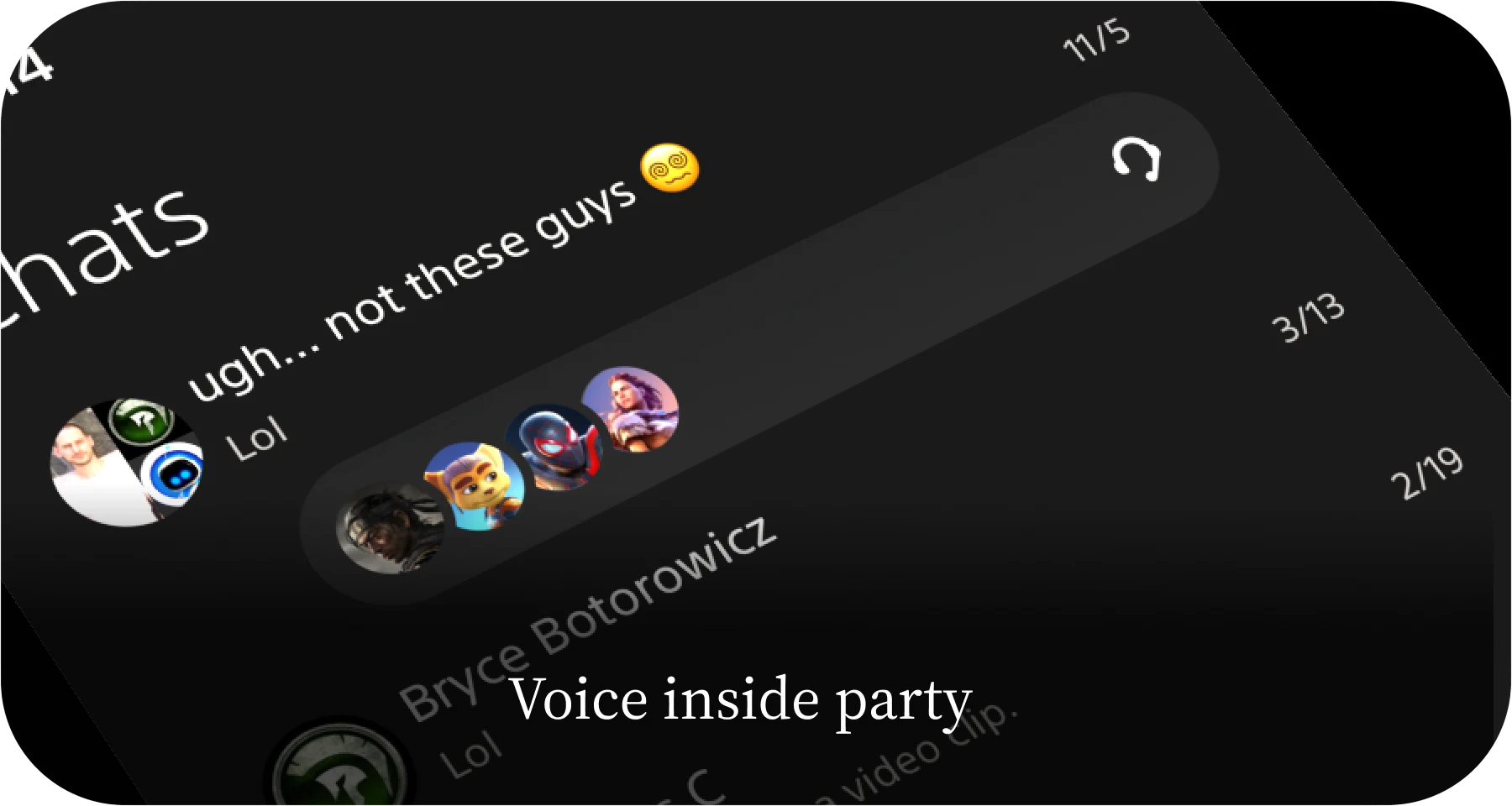
Lightweight coordination stayed in the panel. Voice, which is synchronous and needs more room, escalated to full screen, and could be minimized back to the exact task underneath.
Message groups and voice parties were largely the same people, so I pushed to attach parties to groups: one cohort to manage instead of two. A party bar showed who was in voice and let players join with one tap.
06
Four decisions made the layer work.
What the architecture required
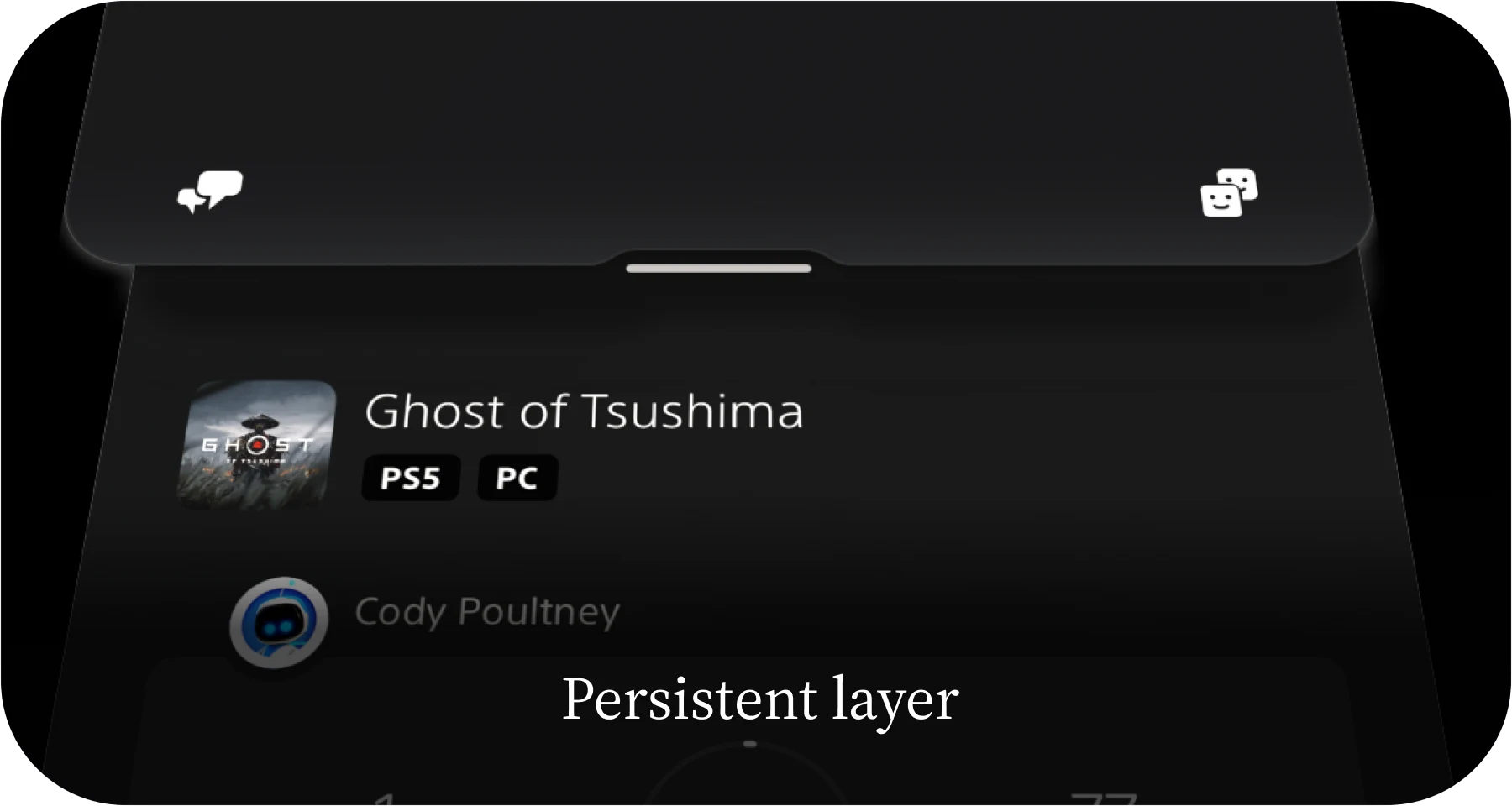
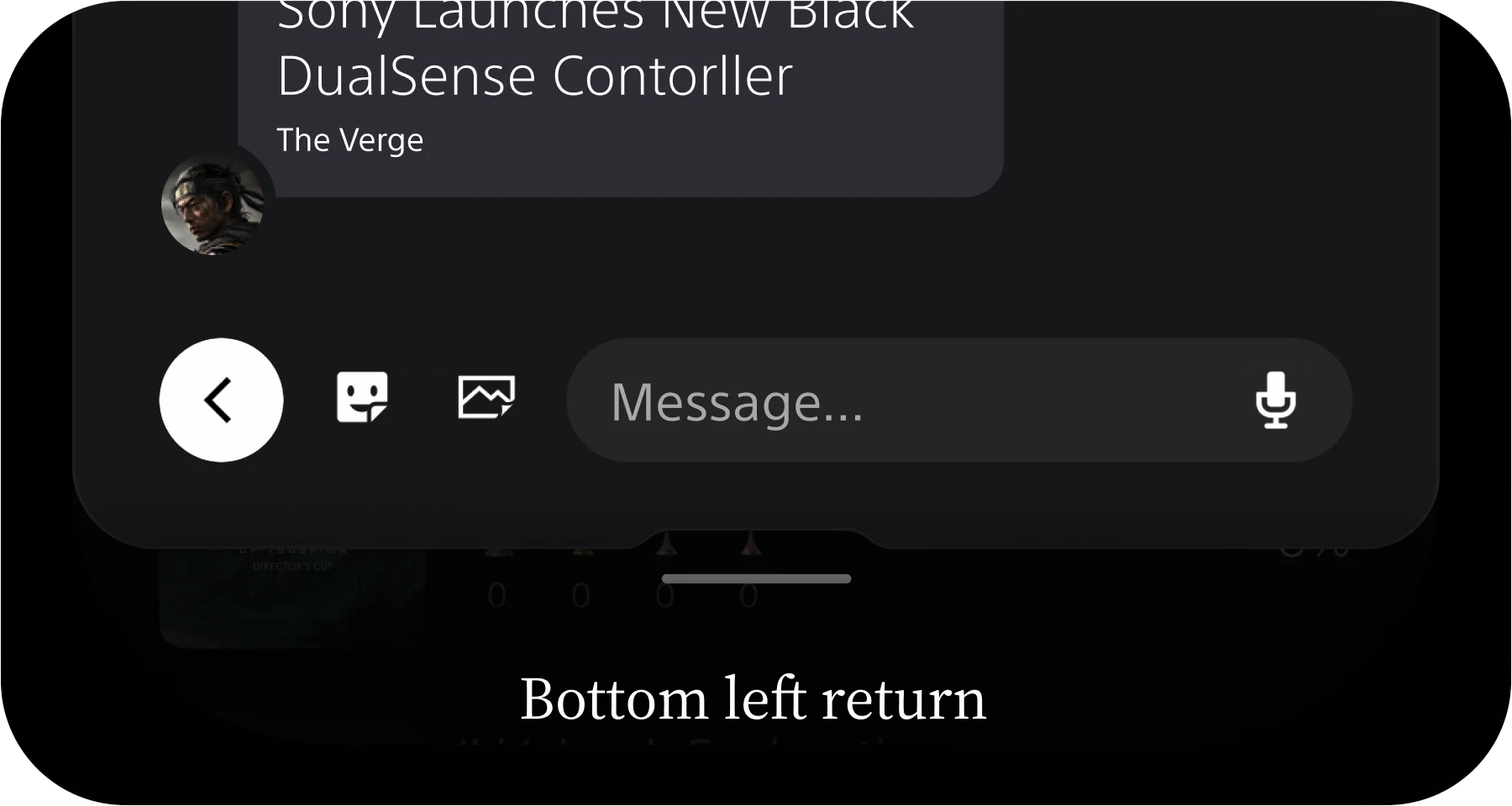
Once the model was set, it forced four downstream decisions.
07
Quality that survived the build.
Design in the codebase
I specified flows, states, edge cases, and motion, and worked directly with engineering in Japan through implementation.
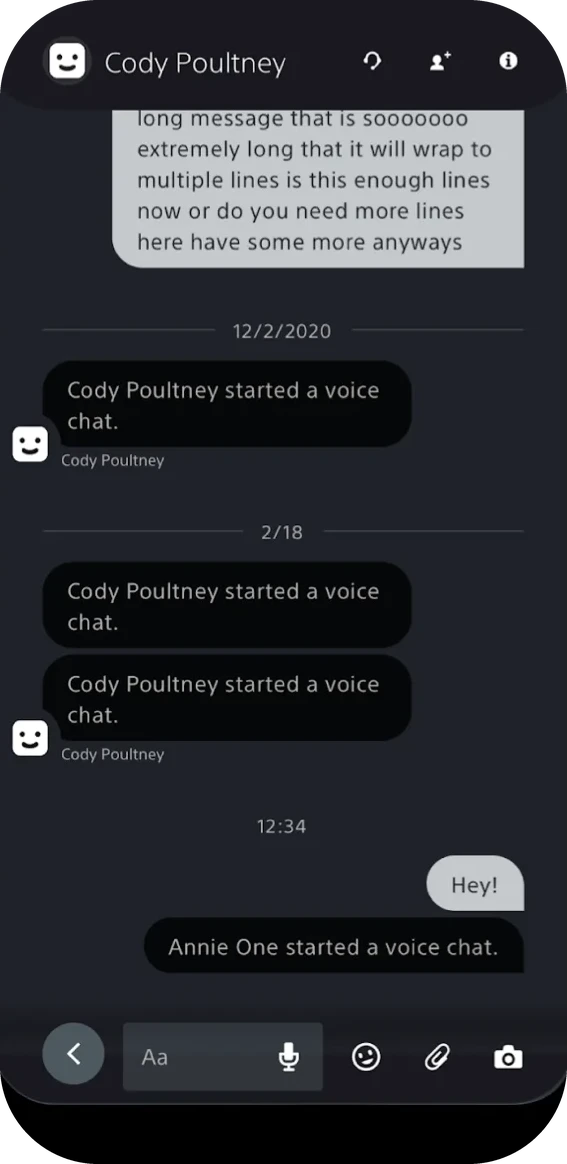
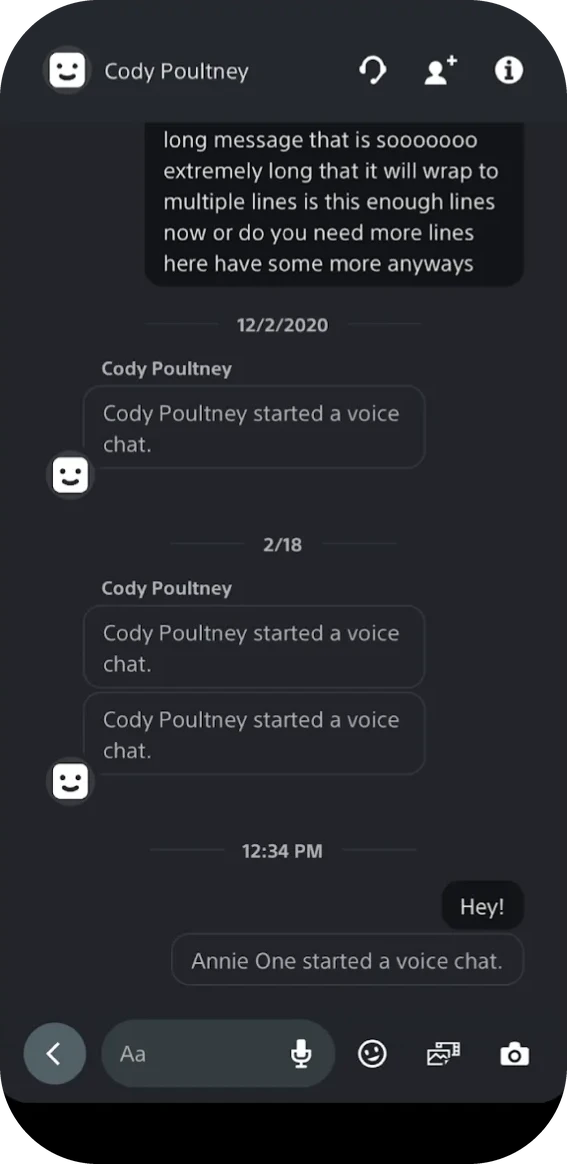
Rather than file visual defects and wait, the design team fixed them in code: 18 pull requests and more than 30 defects in the three months before launch. In chat, I fixed the build myself: grouping system events under their sender, consistent timestamps, and the intended input bar.
Result
Launched with PS5.
The app launched on iOS and Android on October 28, 2020, ahead of PS5, bringing messages, voice, games, the store, and console features into one app. Monthly active users and mobile store revenue both grew, and by April 2021 the app had been nominated for a Webby.
Looking back
Keep the principle, change the shell.
Persistent, low-friction access to social was the right call. The custom shell is what I’d simplify: the bottom-left return blurred hierarchical and historical back, especially from deep links and notifications.
Today I’d revisit the top-level information architecture earlier, likely folding Explore into Home to free a conventional home for social, and lean harder on native patterns once the principle was proven.